

Set Up Your Organization
Get running in a single day
Import your staff from a spreadsheet or add them manually. Define roles, locations, and shift types. Configure your scheduling rules—coverage requirements, max hours, fairness constraints. Our guided onboarding makes it simple.
- Bulk import from spreadsheets
- Define roles and permissions
- Set coverage requirements
- Configure fairness rules
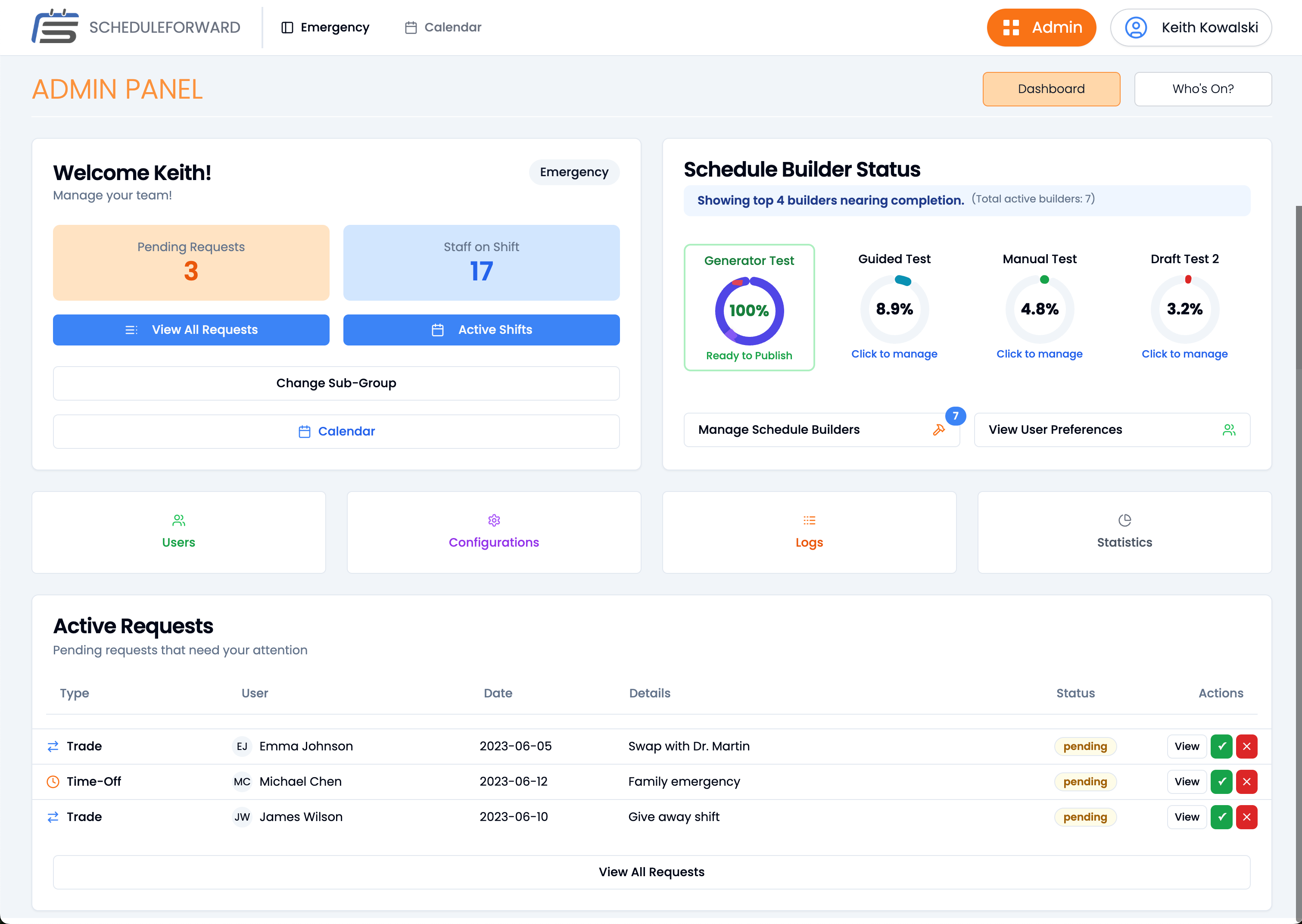
Build Schedules with AI
5 minutes instead of 8 hours
Choose your scheduling mode: let AI build the entire schedule, use our shift selection process where staff pick from available shifts, or build manually with AI assistance. The Schedule Builder handles coverage, fairness, and compliance automatically.
- 4 scheduling modes to choose from
- AI handles coverage & compliance
- Automatic fairness balancing
- One-click schedule generation

Empower Your Team
Self-service without the chaos
Staff view their schedules, sync to personal calendars, request time off, and swap shifts—all without flooding your inbox. Set approval rules or enable auto-approval for swaps that meet your coverage requirements. Real-time notifications keep everyone informed.
- Calendar sync (Google, Outlook, Apple)
- Self-service shift swapping
- Time-off request management
- Real-time notifications

And That's Just the Beginning
Once you're up and running, unlock powerful features that continuously improve your scheduling.
Live Analytics
Real-time dashboards showing coverage, costs, and staffing trends.
Compliance Tracking
Automatic overtime alerts, hour limits, and complete audit trails.
Smart Reminders
Automated shift reminders and coverage gap notifications.
Easy Refinements
Make real-time adjustments as needs change. Refine schedules without rebuilding from scratch.
Your Timeline to Better Scheduling
Complete setup and import your team
Build your first AI-powered schedule
Staff using self-service features
80% time savings on scheduling